
Blog
Good Budget Gaming Laptop: What to Look For

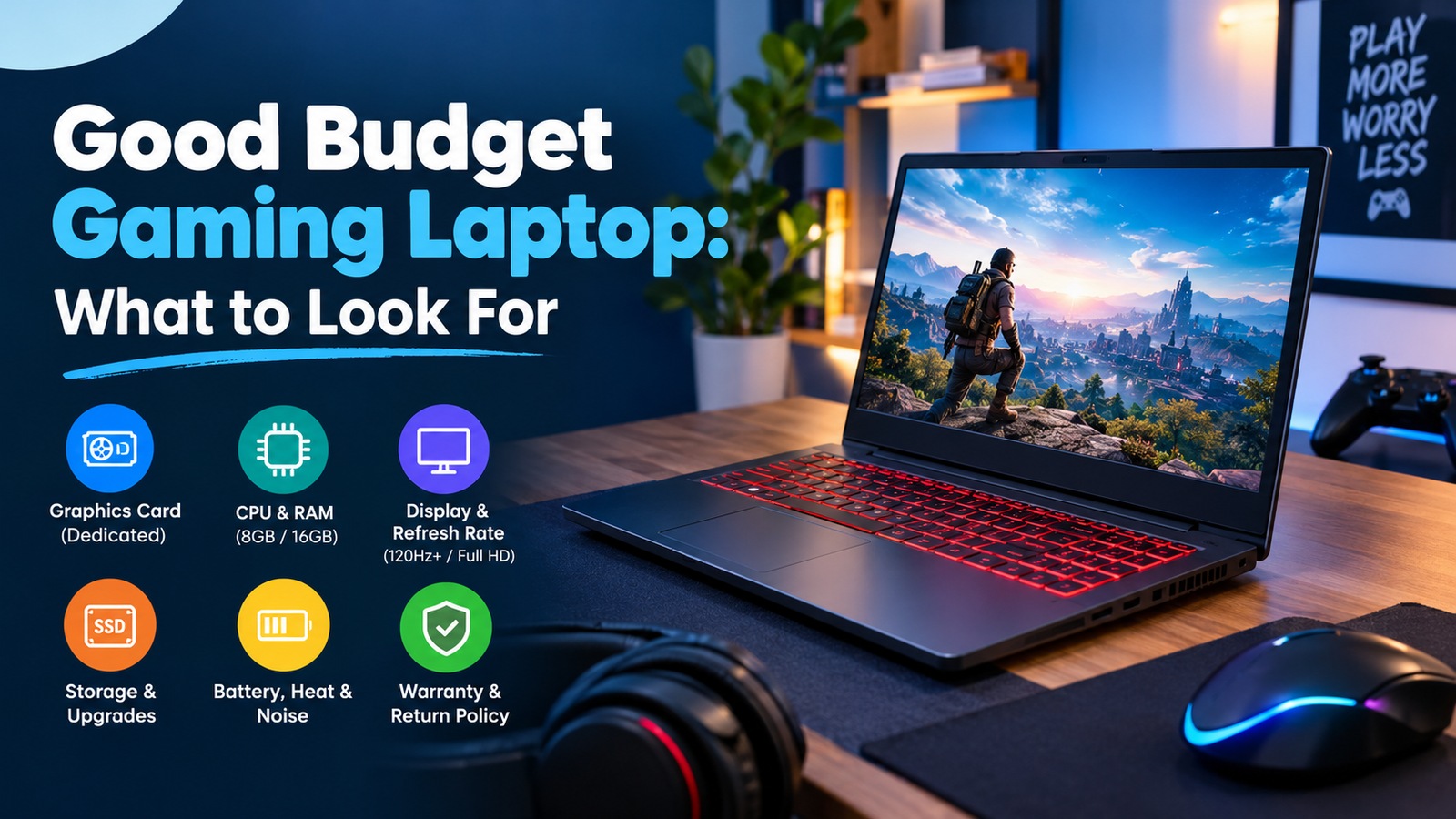
My neighbor’s child purchased a laptop because the packaging prominently featured the word “GAMING” in bold red letters. Two weeks later, he was back online asking why his favorite game looked like a slideshow. The box didn’t lie, exactly. It just didn’t say what was inside.
That’s the trap. A good budget gaming laptop isn’t about the label. It’s about a few parts that games lean on and a few extras you can skip. Let’s sort out which is which.
What makes a successful budget gaming laptop?
Where gaming believes, money goes; and no place else. There is only so much cash in hand, and it cannot be used everywhere. One has to make a choice. Just think about packing one’s suitcase for a trip. You pack your clothes; not your entire wardrobe.
For most gamers, the choices include a good graphics card, good display, and enough RAM. Glowing keyboards? Paper-thin metal bodies? A famous name on the lid? Those can wait. These features come at an additional cost and will not increase the frame rate at all.Before you shop, answer one thing. What do you actually play? Light esports games run fine on far less than the newest blockbusters. Your list sets your budget more than any ad ever will.
Start with the graphics card in a good-budget gaming laptop.
The graphics card does the heavy lifting. Lenovo’s guide to choosing a budget gaming laptop calls a dedicated one generally important and says to pick one that suits the games you plan to play.
“Dedicated” just means the laptop has its own graphics chip instead of borrowing the main processor. The borrowed kind struggles with plenty of modern games. So check the spec sheet. No named graphics chip listed? Walk away.
I won’t name models. The lineup changes too fast, and I’d rather not point you at something stale. Try this instead: search the exact chip name plus your favorite game, then watch real gameplay videos. Frame rates on screen beat any product page.
CPU and RAM
The processor is the brain, but a good budget gaming laptop doesn’t need the fanciest one. Lenovo suggests a mid-range CPU with multiple cores and threads. A middle chip with a strong graphics card usually wins over a fancy chip with a weak one.
The memory is more straightforward. Eight gigabytes is where the games begin, and 16 gigabytes is the recommended memory for gaming. Are you running your browser, instant messaging software, and a game at the same time? You should go for 16 then.Then check whether you can add memory later, since cheaper models vary on that.
Screen and refresh rate
This is where plenty of people shopping for a good budget gaming laptop get tripped up. This refers to the amount of times the screen refreshes every second. The higher the refresh rates, the better the experience will be especially when it comes to fast action games.
It is advisable to have at least 120 Hz and higher, although Full HD (1920 x 1080) is preferred. I’d add my own opinion: stick with Full HD on a budget. A sharper screen looks lovely, but it asks more of your graphics chip, and your frame rates pay for it.
Don’t forget the panel quality, either. Cheap screens can look washed out. Try one in a store if you can, or find a review that tests brightness and color.
Storage and upgrades
Games are huge. Storage fills up before you notice, so a good budget gaming laptop needs room to breathe. The usual smart setup is an SSD for the system and your most played games, plus a bigger hard drive for the overflow. An SSD also makes everything start faster.
Here’s the part nobody enjoys hearing.While there are some budget systems that allow you to increase the memory or replace the drive, the CPU and GPU cannot be upgraded.Buy the graphics power you need now. There’s no fixing it later.
Battery, heat, and noise
Even a good budget gaming laptop drains fast. Lenovo’s FAQ puts typical battery life at 3 to 6 hours, and gaming eats power quicker than email does. So plan to play plugged in, and toss the charger in your bag every single time. Nothing’s worse than a dead laptop in the middle of a match.
Heat and noise matter more than spec sheets let on.Laptops that get hot slow themselves down in an effort to reduce temperatures, and these laptops are extremely uncomfortable when placed on one’s lap. Numbers don’t mean anything here, and one should look at user reviews and find mentions of fan noises and temperatures. A robust design is useful because it ensures consistent performance throughout extensive use.
Check the warranty and return policy.
This part is dull, and it saves real money on any good budget gaming laptop. Read the return window and the warranty before you pay. If yours shows up with a dead pixel or a screaming fan, sending it back should be painless.
The FTC has also spoken up about repairs. In a 2024 FTC staff warning letter to a PC hardware maker,it was indicated that an assertion by the company that a warranty will be null and void because you’ve used non-certified parts or services will have no grounds, unless there is a waiver from the FTC. In other words, adding extra memory or changing the hard drive should not make any difference when it comes to your warranty.
Thinking about a cheaper everyday machine instead? Our guide to the best budget laptop under $500 shows what that range gets you. Gaming is a different job, so don’t assume the lists match.
Your next step
Before even opening up a new tab, list down your “must-haves” on a budget gaming laptop and stick to it while shopping. Put your favorite three games on top of the list. Followed by the minimum memory requirement, 120 hertz display, and dedicated graphics card. Compare only laptops that have all the things on your list and disregard the rest. Price-check again right before purchasing as price fluctuates and recheck the return policy.
Need more assistance when buying a laptop? Visit our laptop guides. Be patient and follow your list and you’ll have yourself a good budget gaming laptop without buying anything you won’t use.
FAQ
What makes a good gaming laptop for budgeting purposes?
It invests in those components that are needed in playing the game and excludes unnecessary elements like extra lights or logos.
How many RAM is required for gaming?
8 GB of RAM suffices for basic gaming purposes. For heavy games or switching between applications while playing, 16 GB is recommended.
What is the ideal refresh rate for a gaming laptop?
It would be wise to choose a higher refresh rate of at least 120 Hz because it gives smoother motion. The resolution of Full HD is enough for most players.
Can budget gaming laptops be upgraded after purchase?
Sometimes they can be, but usually, only memory and storage devices can be changed; other chips cannot. Ask before buying.
How long will the gaming laptop battery last?
According to Lenovo, it will provide up to 3-6 hours of service, though probably shorter during gameplay.
