
Blog
Best Budget Laptop Under $500 in 2026

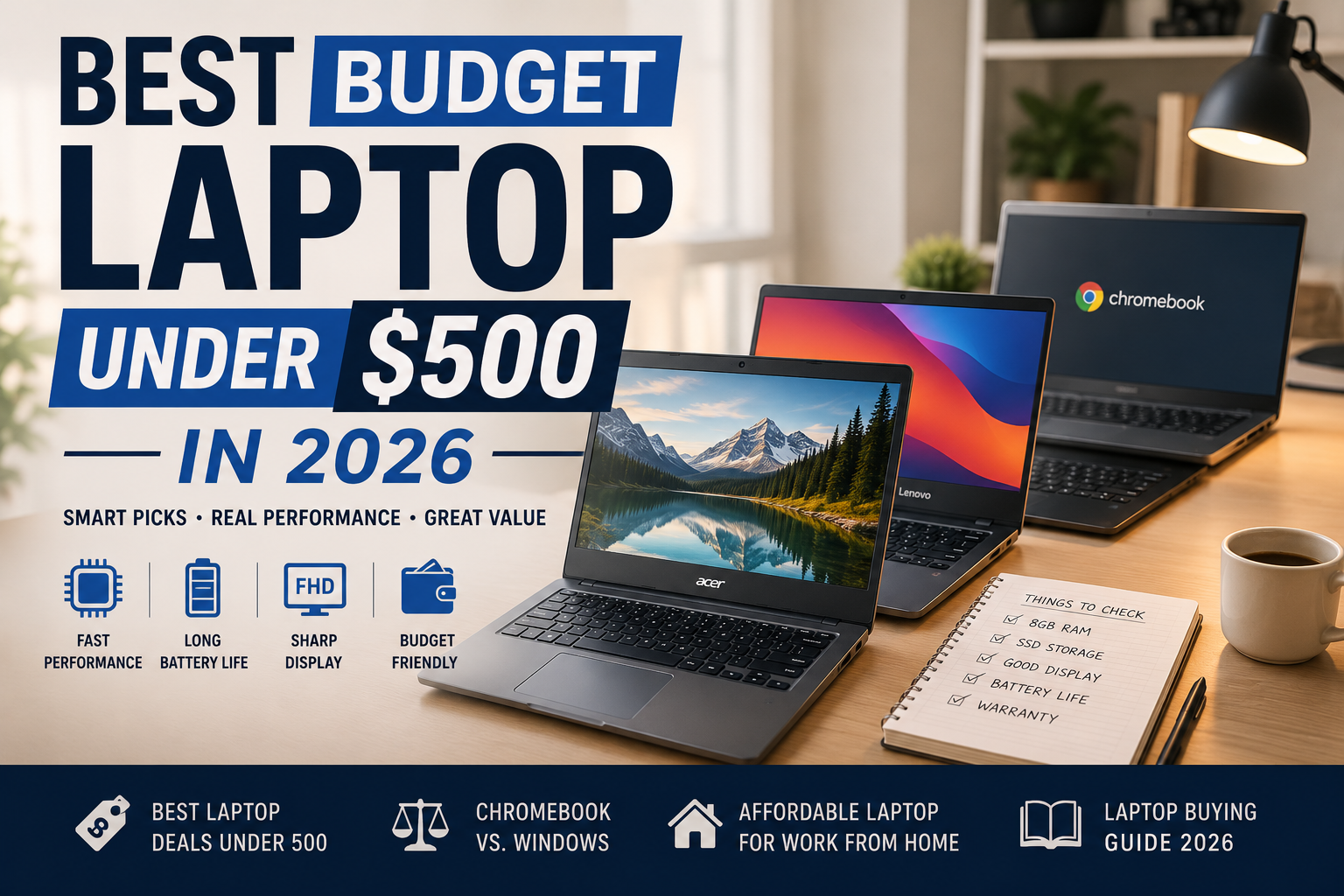
My friend asked me last month if a laptop under 500 dollars meant she’d be stuck with something slow for two years. Fair question, honestly. That used to be the deal. Dark screen, a chip that choked on ten tabs, a hinge you babied because it felt like one bad day from snapping. I bought one of these for my nephew last spring, though, and it’s held up fine. Something’s changed.
Now, here is the simplified answer. There’s not much luck involved in finding an affordable and best budget laptop under the $500 price range. It’s all about understanding what hardware is important and what isn’t.
What actually matters at this price
The RAM and speed of the storage matter way more than any name on the processor. The 8 GB machine with a fast SSD will outperform a 16 GB machine with a slow eMMC storage in terms of speed, yet you won’t see it from the specifications.
Screen quality matters more than people expect, too. You’re looking at it for hours. A dim, washed-out panel gets old fast even when everything else about the laptop is fine.
Ask whether the storage can be upgraded later, if that’s something you care about. Most laptops under 500 dollars solder the RAM in for good, so whatever you buy there is what you’re stuck with. Storage’s a bit more forgiving. Plenty of models still let you swap the drive down the line.
The Acer Aspire 5 keeps showing up for a reason.
Just go ahead and ask five reviewers to name their best choice of this year. In most cases, the Acer Aspire 5 will be the answer. Not exactly something you would be talking about at parties, but still, it is a decent, well-performing laptop without an ugly screen, and with its price being kept below 500 dollars.
Chromebooks actually caught up.
I used to roll my eyes at these. Early Chromebooks felt like underpowered laptops pretending to be something more. Not anymore, mostly. I ran the Asus Chromebook Plus CX34 through a week of video calls with way too many tabs open, and it didn’t buckle once, which surprised me more than it should have. Sharp screen. Webcam, which is far from being an afterthought design-wise. The Acer Chromebook Plus 515 costs about 399 bucks and seems overpriced for what it is.
If your whole day happens in a browser, great, get one. If you need Windows or Mac software for anything specific, it’ll eventually annoy you.
The Windows middle ground
The Lenovo IdeaPad Slim 3 and Asus VivoBook 15 both find themselves comfortably in the middle ground. Studying, working on spreadsheets, participating in video calls, and editing photos nothing seems to be difficult. That used to be a real trade-off at this price. Watch the OLED version of the VivoBook specifically; when it’s discounted, it’s one of the better screen deals out there, period, not just for the budget category.
Neither will be able to run any hard-core games or serious video editing. It just is not possible on a $500 laptop.
The MacBook curveball
Apple’s MacBook Neo technically starts at 599, so it’s over budget for this list, except for students and educators, where it drops to 499. Worth knowing if that’s you. Fast, reliable, over 13 hours of battery, and it skips most of the usual budget compromises. Honestly, the one thing here I’d tell someone to stretch for, assuming they actually qualify.
A quick reality check on two-in-ones
The Lenovo IdeaPad Duet 3 Chromebook is a tablet with a keyboard cover that clips on, and it comes in under 500 dollars. Screen and battery life genuinely impressed me. The keyboard did not; it gets uncomfortable fast, and there’s still no headphone jack, which is a weird thing to cut in 2026. Fine if portability matters more to you than comfort. Not great if you’re typing for hours at a stretch.
Before you buy anything
Look for an ENERGY STAR label if battery life is a priority. The ENERGY STAR computer program sets real efficiency rules, not a sticker slapped on for marketing. Most budget laptop guides skip this completely, which is odd since it’s an easy thing to check.
Know your warranty rights too. The Magnuson-Moss Warranty Act is a federal law that protects buyers more than most people realize, including the right to use an independent repair shop without automatically voiding coverage. The FTC’s guide to warranty rights breaks down what a company can and can’t legally require of you.
Want more picks by category? Our budget tech buying guide covers laptops along with other gear worth buying under 500 dollars this year.
Where this lands
Don’t want to overthink it? Get the Acer Aspire. 5. Living in a browser all day? A Chromebook Plus model saves you money and won’t feel like a step down. Qualify for education pricing? At least look at the MacBook Neo before writing it off, since 499 dollars for that build quality doesn’t come around often. Everybody else is probably choosing between the Lenovo and the Asus, and that mostly comes down to how much you care about the screen versus everything else.
Cheap laptops used to mean settling. These days, not really.
FAQ
Do budget laptops under $500 come with a warranty?
Most do. Federal law, the Magnuson-Moss Warranty Act, gives real protections no matter the brand, including the right to use an independent repair shop without losing coverage in most cases.
What should I look for if battery life is my top priority?
Check for an ENERGY STAR label before anything else. It’s an actual efficiency standard, and oddly enough, most budget laptop guides never bother mentioning it.
Why is the Asus VivoBook 15 OLED version worth watching for?
The screen. OLED at this price point is rare, and when it goes on sale, it’s one of the better display deals around, budget category or not.
