
Blog
PC Gaming Setup Gadgets Worth Buying in 2026

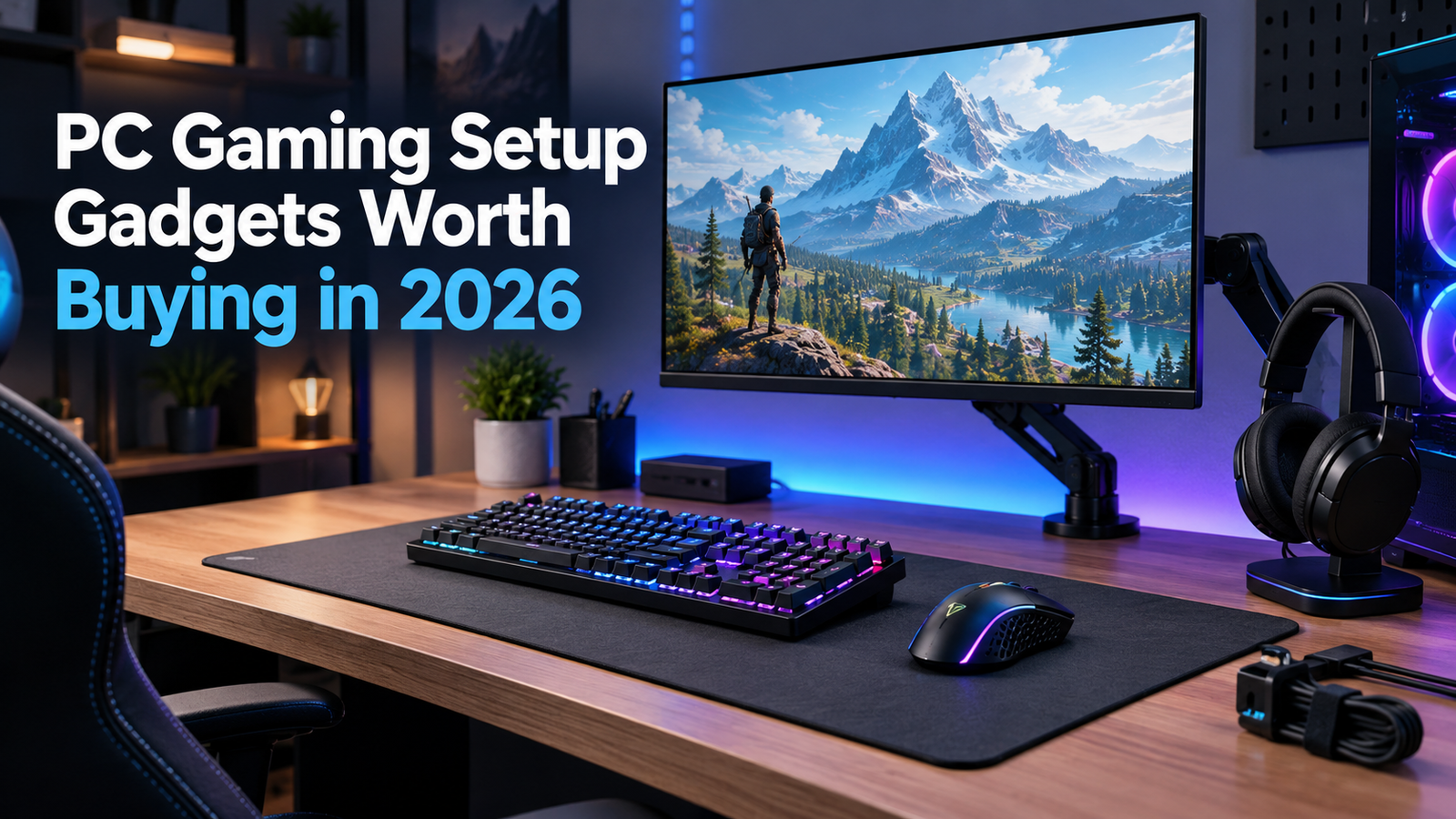
Your mouse cable catches a coffee mug. Last round of a ranked match. Coffee everywhere, round lost, teammates typing in all caps. A pack of cable clips costs a few dollars. That’s the annoying truth about PC gaming setup gadgets: the dull ones tend to pay off first.
So, no spaceship desk here. Just what to buy, roughly in order, and what you can leave in the cart.
PC Gaming Setup Gadgets to Buy First
Mouse, keyboard, and headset. You touch or wear these every second you play, so this is where the money goes first. They’re the PC gaming setup gadgets you’ll feel on day one.
Mouse: Check the weight. Plenty of good ones come in under 80 grams, and light is easier on your wrist over a long night. A polling rate of 1,000Hz is standard and enough. Wireless works fine now, though I still lean toward wired for ranked games because batteries die at the worst times.
Keyboard: it’s all about the switches. Linear ones glide. Tactile ones bump. Clicky ones sound like a typewriter, and your roommate will hate you. Short on desk space? A 75% board drops the number pad and keeps the arrow keys. If you like tinkering, look for “hot-swappable” boards. That means you can change switches without soldering. Honestly, a gaming mouse and keyboard combo that fits your desk beats an expensive one that doesn’t.
Headset: sound matters, sure. Comfort matters more. Weight, ear pad softness, and how tight the band feels all count. If it pinches at the one-hour mark, you’ll quit wearing it, and the money’s wasted.
Why a Better Screen Beats Most PC Gaming Setup Gadgets
A basic monitor refreshes 60 times a second (60Hz). A 144Hz screen does it 144 times. You notice the second you drag the mouse across the desktop. Motion looks smoother, and tracking a target gets easier. Once you’ve used 144 Hz, 60 feels choppy.
Size matters less than people think. On a normal desk, 24 to 27 inches is the sweet spot. Go bigger and you’ll spend the whole match turning your head. Sharpness matters too: 1080p looks fine at 24 inches, and 1440p is a nice step up at 27. Just make sure your PC can push that many pixels at a high frame rate, or you paid for a screen you can’t use.
Monitor arm next. Flip your screen around and look for four screw holes. That’s a VESA mount, often 75×75 or 100×100 millimeters. If yours has them, an arm frees up desk space and lets you set the height so your eyes hit the top third of the screen. Neck pain from a low screen is real, and it’s dumb.
Take breaks too. The American Academy of Ophthalmology explains the 20-20-20 rule in its guide to screen time and eye strain. Every 20 minutes, look at something 20 feet away for 20 seconds.
Cheap Gaming Desk Accessories Nobody Talks About
An extra-large mouse pad, around 35 by 15 inches, covers the whole front of your desk. Bonus: it hides scratches. A headphone stand gets the headset off the floor. Cable clips or a handful of Velcro ties take five minutes and stop most of the mess. Together, these small PC gaming setup gadgets cost less than one new game.
Surge protector. Dull, yes. A common rule of thumb says look for 1,000 joules or more, and read the label, because some plain power strips have no surge protection at all. Your PC and monitor cost a lot more than the strip.
Your chair and desk height matter as much as any gadget, too. If your wrists ache, OSHA has posture basics on its computer workstation setup page.
RGB Lighting for Gaming
I don’t love RGB, but I get it. A light strip behind the monitor throws a soft glow on the wall, so the screen isn’t the only bright thing in a dark room. Some people find that easier on tired eyes. Buy a strip with a simple remote. Skip the ones that make you open an app just to change the color, because that gets old in about a week. Of all the PC gaming setup gadgets, lighting is the easiest to skip. It comes after a decent headset, not before.
Budget PC Gaming Setup Gadgets: Buy in This Order
Tight budget? Here’s my order. Headset or mouse first, whichever is worse right now. Surge protector and mouse pad next. Then the monitor or an arm. Lights dead last. Good PC gaming setup gadgets don’t need big money, and the cheap ones matter more than you’d guess. More picks live in our best gaming gadgets roundups, sorted by price.
Used gear can work. A used monitor is often a solid deal if the seller shows it powered on. A used mouse is a gamble, since worn buttons start double-clicking. Buy headsets new, because ear pads wear out. Those are the PC gaming setup gadgets where a bargain can turn expensive.
PC Gaming Setup Gadgets That Can Wait
USB microphone: nice if you talk a lot, and it beats most headset mics. Controller: good for racing games. Macro pad: puts your shortcuts under your fingers. Webcam: only if you stream. Hold off on all of these until you know how you actually play.
Mistakes to Skip
Buying for looks first is the classic. Flashy gear is fun for a week. Comfort pays off every day. Buying on price alone is close behind: A $200 headset that hurts is worse than a $50 one that fits. And clutter. A tangled desk makes everything feel worse, and ten minutes of tidying fixes it. Check reviews from real buyers and the return policy before you order any PC gaming setup gadgets.
Where you put things counts too. The mouse pad is centered, the headset stand is on your off-hand side, and the surge protector is within reach. If you stretch for a gadget every day, it’s in the wrong spot.
Your Next Step
Sit at your setup tonight and notice what bugs you most. The cable, the muddy sound, and a screen that sits too low. Fix that one first. Then come back to GadgetGridz for more PC gaming setup gadgets when the next thing bugs you.
FAQ
What gadgets do I need for a PC gaming setup?
A mouse, keyboard, headset, and monitor to start. Then add a surge protector, a big mouse pad, and maybe a monitor arm. The best PC gaming setup gadgets solve a problem you actually have.
What should I upgrade first?
Usually the headset or the mouse, since you use them every minute you play. If your screen looks choppy, a 144Hz monitor comes second.
Are RGB lights worth it?
They’re fun, not necessary. Buy a light strip if you like the look and the basics are covered.
How much should I spend on a budget PC gaming setup?
There’s no magic number. Buy one or two good pieces first, like a headset and a mouse, and add more as you can. Spending well beats spending a lot.
