
Blog
Best Laptops 2026: How to Choose the Right One

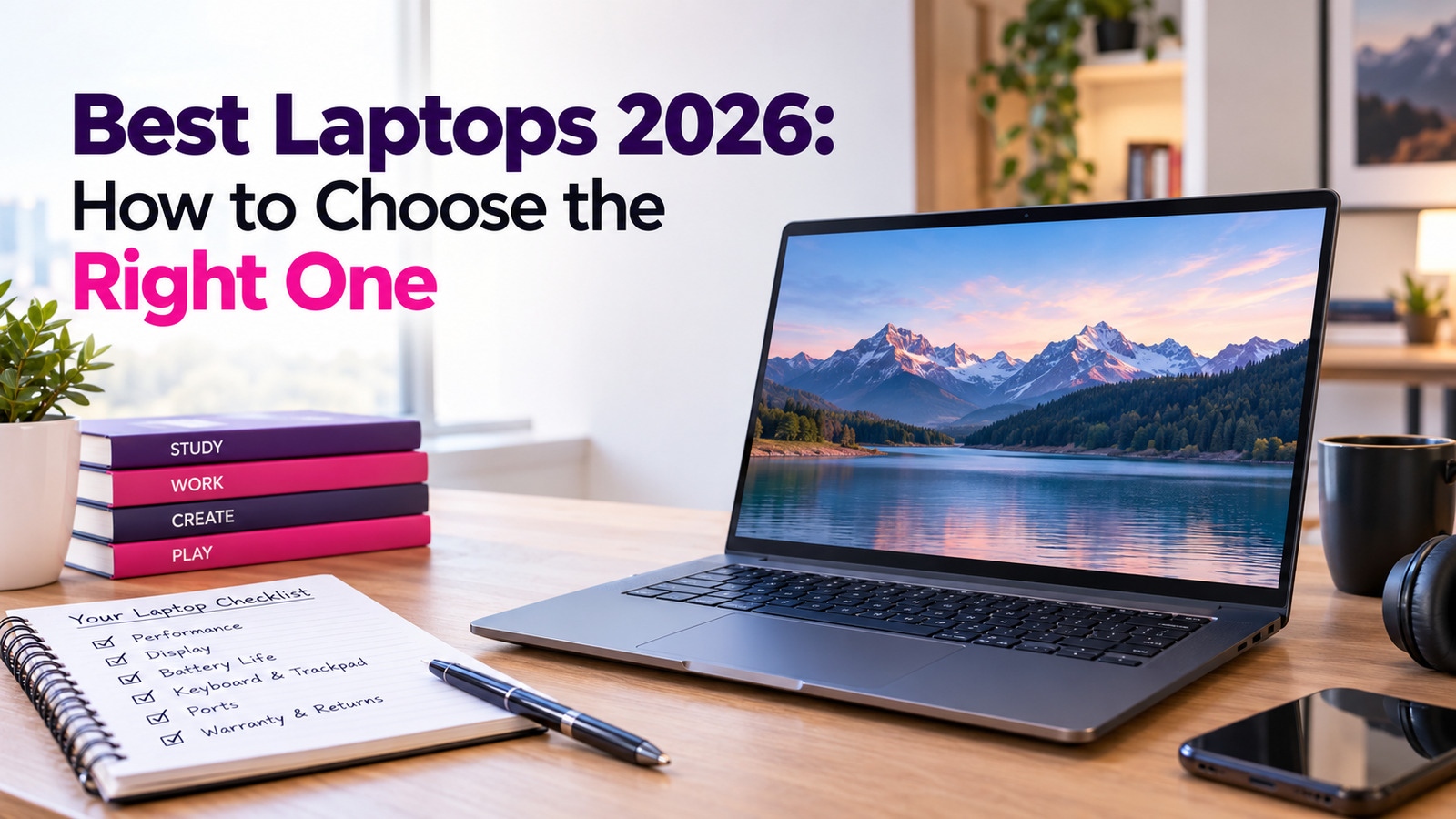
Search for a new laptop, and the page fills up fast. Dozens of models, long spec lists, and big claims in bold. They can’t all be the winner, but each one sure sounds like it.
That’s the problem with any list of the best laptops 2026 has to offer. What suits your cousin may drive you nuts. So I’m not going to crown one. No brand names, no models, and no prices, because those change every few weeks anyway. What I can do is show you how to choose. When a fact comes from an official source, I’ll say so. Everything else is my opinion.
Begin with what you actually do.
Before you read a single spec, jot down the three things you’ll do most. Email and video calls? School papers? Photo editing, or games? This is step number one when searching for the best laptop in 2026, and it will save you money.
Someone who spends his day typing and browsing wants a lightweight laptop with a good battery. Someone who works on video editing wants a more powerful laptop with a larger display. A gamer needs great graphics and a good cooling system. No one needs it all. Buying things you don’t need is the fastest way to waste your money.
Reading the spec sheet for the best laptops in 2026
A spec sheet sounds like some strange language. It’s general knowledge, not a rule for every model.
The processor is the brain. A stronger one finishes heavy jobs faster, though for web pages and documents a basic one is often fine. Memory, called RAM, works like desk space. The more of this, the more applications that can be open simultaneously without any delays. The storage is where your files will be stored, and good speed of the storage enables your laptop to boot up and launch applications quickly. There is the display next. Consider its size and resolution and brightness since a display that is dark when placed next to a sunny window becomes annoying rather soon.
When choosing one from the list of the best laptops of 2026 according to customers, match all specifications to your tasks. If any specification does not assist in performing one of the three, do not pay for it.
Which kind fits your life?
There are a number of types of devices usually found on such a list and brands vary from one retailer to another, so look closely. Light and thin ones are easy to transport and usually last long without being plugged in. This type is ideal for studies and travel. Workstation devices strike the balance between home office and everyday work. Powerful machines are great for editing and graphic design but are rather heavy. Gaming ones have everything needed for high performance and usually cost more and are bulkier and louder than others with lower battery life.For gamers, the guide for choosing the good budget gaming laptop will help you.
The parts you’ll touch every day
Most of us judge a laptop by its numbers, then live with its keyboard and trackpad for years. If you can, try them first. Are the keys comfortable? Does the trackpad feel smooth? A laptop that feels bad will bug you every single day.
Weight is the same story. Something that sounds light on paper can feel heavy in a bag by the end of a long day. Ports count too. If you need a mouse, a monitor, or a memory card, and the laptop has only a couple of ports, you’ll need adapters, and those cost extra.
Battery life and the best laptops of 2026 claims
Listings love to show a number of hours.Life in real world provides you with far fewer, because a lit-up display, video conferencing, and applications consume battery more quickly. This should only be taken as a rough estimate. Read reviews where the battery life in practical conditions is described; if you do not have access to an outlet frequently, then the battery is one of the top considerations.
Finally, look at the operating system. There are three major systems: Windows, macOS, and ChromeOS. You should pick the one according to your needs and programs. That ‘s my own tip, and it prevents a lot of regret.
A small note on saving power
The U.S. Environmental Protection Agency runs the ENERGY STAR program. Its page on laptops and desktop computers says to “choose the blue label.” It says certified computers are “engineered with energy-efficient power supplies that help you save energy.” It also points to sleep settings, and it warns that games left running in the background can stop the computer from sleeping, even when paused.
The page says nothing about battery life, so don’t read it as a battery tip. It’s still a good reminder that a laptop uses power when you aren’t watching it.
Warranties and returns for best laptops 2026
This part can keep money in your pocket. The Federal Trade Commission (FTC) has a page on extended warranties and service contracts. It says an extended warranty “costs extra and might cover different issues than a manufacturer’s warranty.” It also says, “If it isn’t listed in the contract, assume that it’s not covered.”
This page recommends looking for any hidden costs such as deductibles or costs per visit and also determining who guarantees the agreement. Their recommendation is that if the agreement does not provide additional cover beyond the warranty of the product, then avoid it.Check the return policy too. Some stores limit returns on opened electronics. That’s general knowledge, so read your store’s rules.
A buying checklist for the best laptops in 2026
Before you pay, ask yourself a few things. What are my three tasks? Do the processor, memory, and storage fit them? Does the screen look good in my room? Can I live with the keyboard, the weight, and the ports? Will my apps run on this system? Does the battery claim sound believable? And do I know what the warranty and return policy say?
Common mistakes with the best 2026 laptop lists
Buying the most powerful laptop “just in case” is the big one. A third reason could be placing too much faith in one favorable review. Some people may not even bother reading about the keyboard or the weight of the item.
Your next step
Write down your three tasks and your budget. Pick two or three laptops that fit, and compare them side by side with the checklist. Then read the return policy and decide.
For more laptop guides, browse our Laptops posts. The best laptops 2026 can offer aren’t found on one list. They’re the ones that match what you actually do.
FAQ
What is the best laptop to buy in 2026?
This question cannot be answered simply because it varies from person to person depending on their purposes, budget, and their feeling for the keyboard and the screen. First, identify your three major tasks, then match with specifications accordingly.
What RAM and Storage should I have?
This all depends on the use. Web and document processing require lesser than video editing and games.
Is an extended warranty worth it?
Maybe, but check first. The FTC says a contract may cover different things than the maker’s warranty. Read what’s covered and who backs it.
How can I save energy with a laptop?
ENERGY STAR recommends setting the sleep mode and keeping an eye on games that may be running in the background and preventing sleep.
