
Blog
Best PC Gaming Setup Gadgets in 2026

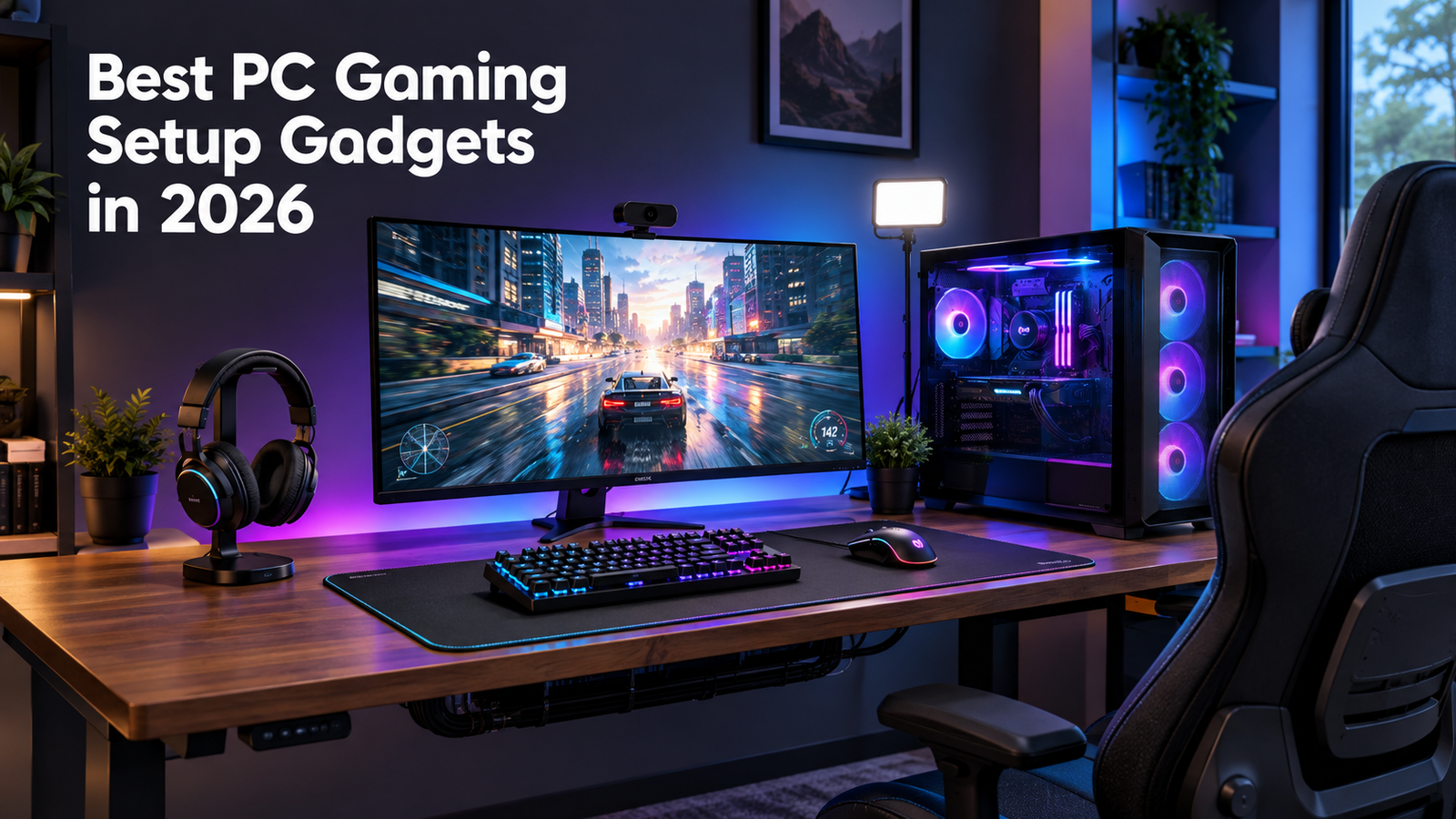
For about a year my whole setup was a laptop balanced on a folding table with a desk lamp pointed at the wall instead of my screen. It worked, technically. Then I upgraded one thing at a time, and a couple of cheap gadgets ended up mattering way more than the pricier stuff. This isn’t a giant list of everything on the market. It’s the PC gaming setup gadgets that actually stuck around on my desk instead of getting shoved in a drawer.
Your PC Isn’t the Whole Story
So I dropped real money on a graphics card upgrade for one year. Still lost matches. Turned out my mouse pad kept sliding halfway across the desk mid-game, and no GPU on earth fixes that. That’s the moment it clicked. Everything around your PC affects how you actually play, not just the PC itself. Sounds obvious now. It wasn’t obvious to me at the time.
And comfort’s a bigger deal than most gamers want to admit. OSHA has actual guidance on desk setups, believe it or not, because a bad one wears on your body over months, not days. Office desk or gaming desk doesn’t matter. Your spine isn’t reading the label on what kind of desk you’re sitting at.
What Actually Made a Difference for Me
Mouse first, since your hand’s basically glued to it the entire time you’re playing. I swapped a plain office mouse for a gaming one with adjustable sensitivity and a shape that actually fit my hand, and yeah, it made more of a difference than I expected on day one. Aim got steadier. My wrist quit cramping around the third hour, which used to happen like clockwork.
Then the keyboard. Mechanical, and not because it looks good on a webcam. That clicky feedback tells you a key registered without glancing down mid-match. Doesn’t sound like much until you’re in the middle of something fast and your fingers are moving faster than your brain can double-check. I went tenkeyless too, mostly to free up desk space for the mouse.
Monitor’s the one that actually surprised me. 60Hz to 144Hz, and it wasn’t just games that felt smoother. Scrolling a webpage felt different. Dragging a browser window around felt different. Someone forces me to pick one item off this entire post; it’s this one. Not close.
Mouse pad feels like a joke to even bring up; I get it. But cheap fabric ones curl at the edges within a month, no exaggeration. One with a stitched border and a consistent surface stopped my cursor from catching mid-swipe. It isn’t until it’s missing that you realize how important something is.
RGB lighting, okay, I’ll give you that, but it’s pretty much all about having fun. It does make things a little easier on the eyes to have the lights behind the computer because of the sharp contrast, and I’ll give you that.
Last one, headset. Cheap ones sound tinny and pick up every fan in the room like it’s a feature. Spend a bit more and suddenly voice chat isn’t something you’re muting through out of embarrassment anymore.
Curious how any of this stacks up across price points? Our gaming gear roundup goes deeper than I have room for here.
Nobody Warns You About Cable Clutter
It is something that I have postponed for far too long. Not only does this create an unsightly look, but it also creates an environment where your computer gets heated up inside the desk area. A pack of Velcro ties and a basic cable tray fixed most of it in under an hour. Least exciting item in this whole post, and probably the one that changed the look of my desk the most.
Streaming Changes the Equation
Lighting matters here too, maybe even more than the camera. A cheap ring light or key light aimed at your face clears up the shadows a webcam alone can’t fix. You don’t need a studio. One light usually does the job.
In case you do not intend to stream ever, you can disregard this entire segment. After all, most of us have nothing to do with webcams other than on the rare occasion that we use them for video calls.
The Chair Nobody Wants to Talk About
Your back will tell you when this matters, and it usually waits until it’s annoying. A real gaming chair with lumbar support let me sit longer and focus better without shifting every ten minutes. There is no need for any racing stripes or designer logos. All you need is good lower back support and adjustable seating to ensure that your eye level is aligned with your computer screen. Eye strain creeps upon you just like that. The American Optometric Association has recommended the 20-20-20 rule for the sameSounds small. Actually helps.
Desk height matters just as much as the chair, and I learned that one the hard way too. Even a great chair can’t undo the shoulder strain from a desk sitting at the wrong height. You don’t need a fancy sit-stand desk. You need one that’s the right height for your body, full stop.
Where I’d Actually Spend Money First
Not everything on this list deserves an equal budget. Mouse, keyboard, and monitor first, because those touch every second of every session. Chair comes next, once your back starts complaining loud enough to notice. RGB lighting and a nicer mouse pad are extras you add once the essentials are handled. I bought lighting before fixing a mouse that kept skipping, and that was backwards. Don’t make my mistake.
Check out our full PC gaming setup gadgets picks if you want specific models at every price range.
Frequently Asked Questions
What’s the single best upgrade for a gaming setup?
A high refresh rate monitor. It’s the one upgrade that makes everything on screen feel different the second you switch, not just games.
Do I need a mechanical keyboard to play games well?
No, plenty of people play fine on membrane keyboards. Mechanical just gives you faster, more reliable feedback on whether a key actually registered.
Is RGB lighting actually useful or just decoration?
Mostly decoration, if we’re being honest. A single strip behind your monitor can ease eye strain in a dark room, but beyond that it comes down to taste.
How much should a gaming chair cost?
Skip the expensive brand names and focus on real lumbar support plus height adjustment. That matters more than the price tag.
What’s the fastest fix for messy cables?
Velcro ties and a basic under-desk cable tray, usually under $20 total, with zero rewiring involved.
