
Blog
Best Mouse Pad for Gaming: How to Choose One

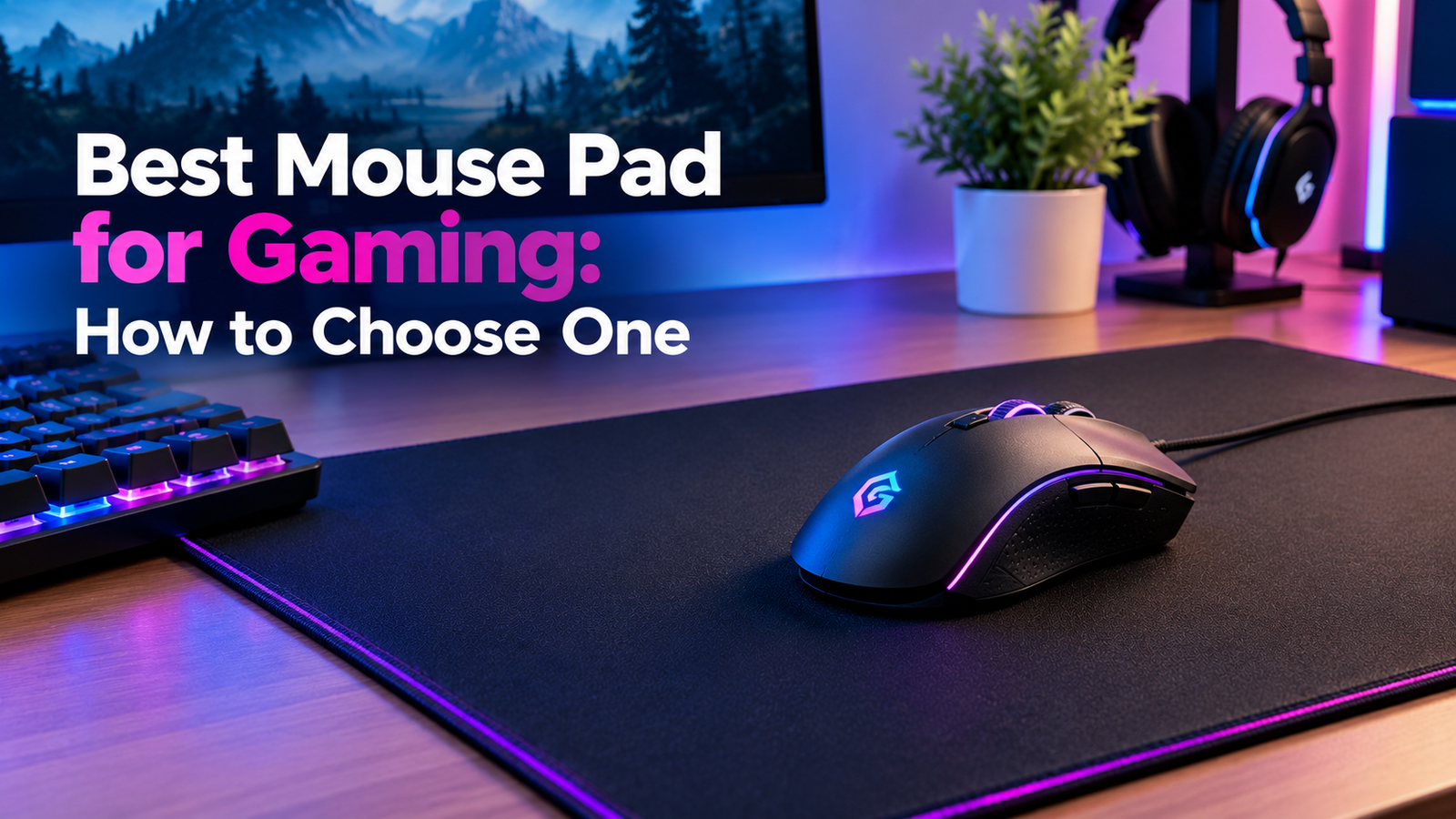
It’s the last thing most people shop for. You spend weeks picking a mouse, a monitor, and a keyboard, then grab whatever flat square is lying around. Soon the mouse feels off. It sticks in one spot and skids in another, and the edge is already fraying.
That’s why this guide is about the best mouse pad for gaming and how to find yours. I won’t name brands or quote prices, since both change fast. I also haven’t tested any pad, so I won’t tell you one is faster than another. What I can do is show you what to look at. Facts from official sources are marked. The rest is my own view.
Why the best mouse pad for gaming matters at all
Your mouse tracks the surface under it. It helps it have a consistent reading. A rough or glossy surface may make the mouse feel twitchy or slow. The mousepad is responsible for the ease of sliding of the mouse as well as the amount of effort you use to move the mouse each time.
None of that is a hard rule, since mice and pads differ. But a good pad helps the mouse you already own do its job, and it’s easy to get wrong. If you’re building out your desk, our guide to PC gaming setup gadgets covers the rest of the gear.
Surface: control or speed?
This is the biggest choice. Pad surfaces usually fall into a few groups. Names vary by store, so read the details.That is a general fact and I have not done any experiment on this.
Fabric pads are most widely used. There are some pads which are slightly sticky and provide you with better control, and hence when you stop moving the mouse, the mouse stops too. Some pads are slippery and hence make it easy for the mouse to glide.They can also be loud, and they may wear down the feet on your mouse. Hybrid pads try to land in the middle.
Then which is the winner? Well, it all really depends on you. If you like accurate and slower aim, then a pad with more friction might be better for you. However, if you prefer fast, long strokes, then the smoother the pad, the better.
Size and the best mouse pad for gaming
Size concerns both space and design. A smaller pad will accommodate a smaller desk, but you may lack space on a bigger swipe. A bigger pad allows space for movement of your arm. An entire desk mat allows room for both your keyboard and mouse and also adds to the cleanliness of your desk.
Take measurements of your desk in the first place. Next, take into consideration how you aim. In case you move your arm in big movements, you need more space. However, if you have small movements of the wrist, you need a smaller size of the pad.
Thickness and the base
A thin pad feels firm and flat. If the pad is thick, it will feel more soft and cozy, although it doesn’t make much difference to others. Also, you may need to consider checking the pad’s base. If the base is rubberized, the pad won’t slip from the desk.
The edges and the stitching
A little detail, but a lot of difference. Cheaper pads have a tendency to fray, and there is a possibility of the stitched border coming loose. Sharp edges might also irritate your wrist. Make sure that you look for a smooth edge.
Wrist comfort and the best mouse pad for gaming
If you play for hours, your wrist takes a beating. The Occupational Safety and Health Administration (OSHA) has a page on wrist and palm supports. It’s written for office computer work, and it’s advice, not a rule. It says, “Proper use has been shown to reduce muscle activity and to facilitate neutral wrist angles.” “It also says supports should be “fairly soft and rounded to minimize pressure on the wrist.”
One warning from the page is worth noting. It says to use a rest to keep wrists straight and reduce contact stress while mousing. But it says your hands should move freely and be elevated above the rest while typing, and that resting on one “may inhibit motion of the wrist and could increase awkward wrist postures. “And it adds, “When resting, the pad should contact the heel or palm of your hand, not your wrist.”
Keep it clean.
A soiled mousepad will definitely influence your mouse’s performance due to accumulation of dust and oil. Before cleaning your mousepad, ensure you read its manufacturer’s manual for instructions on whether the material is water-friendly. I won’t give washing steps, since they differ by product.
Beware of shaky reviews.
When you hunt for the best mouse pad for gaming, reviews will steer your choice. Not all of them are honest. The Federal Trade Commission (FTC) has a guide on how to evaluate online reviews. It says to “look at a variety of sources, including well-known websites that have trustworthy and impartial expert reviews.” It also says to check how recent reviews are and to be careful if many show up in a short time. And it admits you can’t always tell real from fake just by looking.One more tip, and it’s mine: look for reviews that mention wear over time.
A quick checklist for the best mouse pad for gaming
Before you buy, ask: Does the surface match the way I aim? Is the size right for my desk and my arm movement? Does the base stay put? Are the edges clean and flat? Is it comfortable for long sessions? And can I return it if it feels wrong? That last one matters most, because pads are hard to judge on a screen.
Common mistakes when choosing a mouse pad
Choosing on looks alone is the big one. Other people have been purchasing an undersized pad, not considering the base, or placing their wrist on an edge. There are people who believe a positive review or do not have a return policy.
Your next step
Measure your desk and note how you aim. Choose two or three pads that match, and compare them with the checklist. Then check the return policy before you pay.
For more guides, browse our gaming posts. The best mouse pad for gaming is the one that suits your hand, your desk, and your style of play.
FAQ
What is the best mouse pad for gaming?
There is not one that is better than the others. It depends on how you shoot, how much space you have available, and your personal comfort level. Find one that matches your style.
Is a cloth or a hard mouse pad better?
Neither wins every time. Cloth pads are common and range from grippy to slick.Hard pads usually have a smooth and fast surface; however, they can be noisy. Feel before purchasing, and verify the refund policy.
Should I use the pad for wrist support?
According to OSHA, wrist supports are meant to maintain wrists’ natural position; however, it also states that resting your wrist on it during typing could cause awkward positions. The heel of the hand, not the wrist, should touch the pad.
How do I know whether a review is authentic?
It is not always possible to discern this. According to the FTC, you need to consult various sources and note sudden surges of reviews.
